Buy ksbog.com ?
We are moving the project
ksbog.com .
Are you interested in purchasing the domain
ksbog.com ?
domain@kv-gmbh.de · 0541-91531010
Buy ksbog.com ?
How can I reset the controls in Sims 3?
To reset the controls in Sims 3, you can go to the game's options menu and look for the controls or key bindings section. From there, you can reset the controls to their default settings by selecting the option to reset or restore defaults. Alternatively, you can manually reassign the controls to your preferred settings by selecting each control and assigning a new key or button to it. If you are playing on a console, you can usually find the control settings in the game's options menu as well. **
How can I reset my controls to the default state?
To reset your controls to the default state, you can usually go to the settings or options menu in the game or software you are using. Look for a "reset to default" or "restore defaults" option within the controls or key bindings section. Selecting this option will revert all control settings back to their original default state. If you are unable to find this option, you can also try uninstalling and reinstalling the game or software, which should reset all settings back to their default state. **


Similar search terms for Reset
Top-Angebote
Products related to Reset:
-
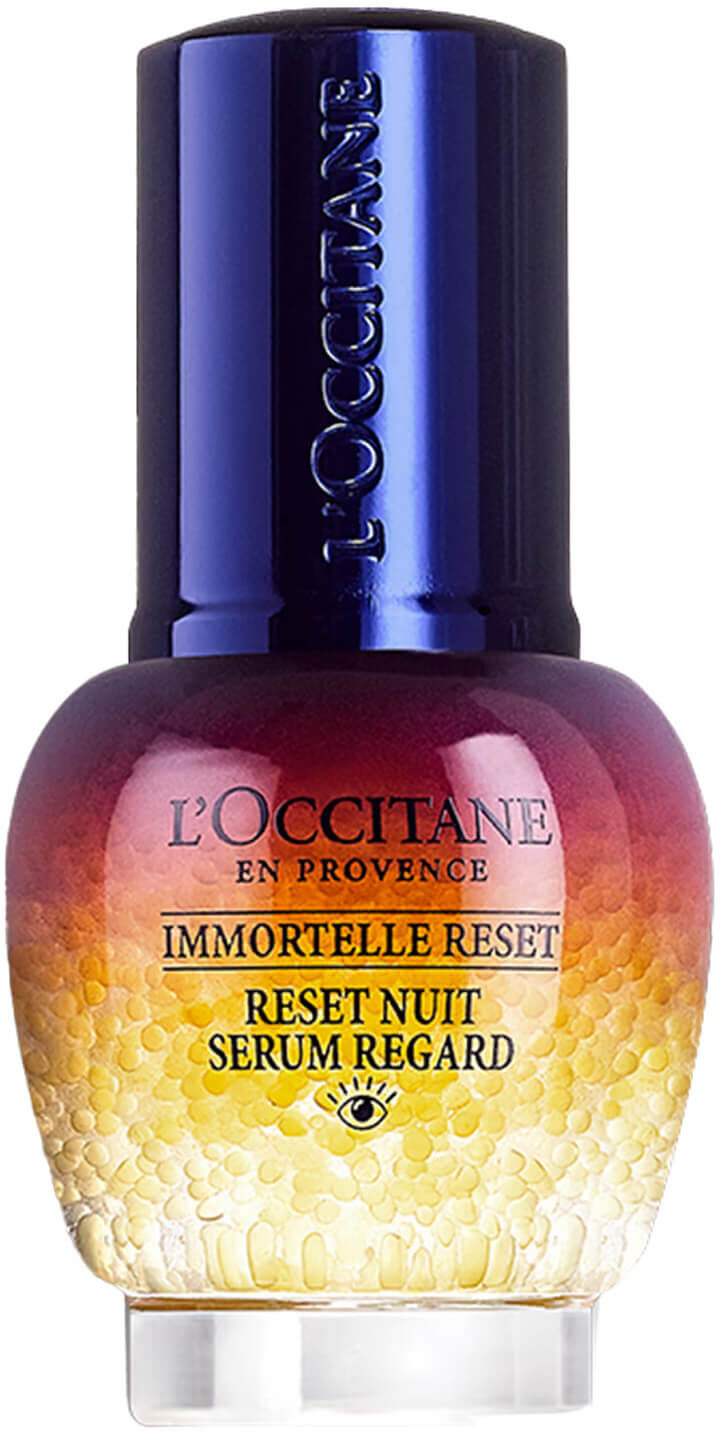
L’Occitane L'OCCITANE Immortelle Overnight Reset Eye Serum 15mlThis product is intended for sale to the Estonian market. L'OCCITANE Immortelle Overnight Reset silmaseerum on loodud öösel naha taastamiseks ja noorendamiseks. See luksuslik seerum sisaldab käokulla eeterlikku õli haa marulaõli, mis aitavad vähendada peente joonte ja kortsude välimust. Ainulaadne koostis toetab naha loomulikku uuenemisprotsessi öö jooksul, vähendades tumedaid silmaalusedíd ja alandades turseid. Kerge, kiires49,26 €*Shipping: 0,00 €Secure redirect to the provider
-
AMIKA Reset Pink Charcoal Scalp Cleansing Oil 200mlAMIKA Reset Pink Charcoal Scalp Cleansing Oil is a gentle cleansing, pre-shampoo scalp treatment that detoxifies scalp while absorbing toxins, dirt, buildup and odor for an overall fresh feeling. key ingredients charcoal and pink clay gently draw out impurities without stripping. the result- a healthy, hydrated, and happy scalp. Leaping Bunny Certified, No Gluten Contributors, Certified Vegan22,46 €*Shipping: 0,00 €Secure redirect to the provider


-
What is reset when the reset is performed?
When a reset is performed, the system or device is restored to its original state or default settings. This can include clearing out temporary data, closing open applications, and returning the device to its initial configuration. Essentially, a reset wipes out any changes or modifications made to the system and starts fresh. **
-
What kind of valves are on the heating pipes?
The valves on heating pipes are typically ball valves or gate valves. Ball valves have a spherical disc inside that controls the flow of water by rotating the handle, while gate valves have a gate or wedge that moves up and down to control the flow. Both types of valves are used to regulate the flow of hot water through the heating system and can be manually operated to adjust the temperature or shut off the flow completely. **
-
Are Pokéstops reset?
Pokéstops are not reset in the traditional sense. Once a Pokéstop has been visited and its items collected, it will refresh after a certain amount of time, usually 5 minutes. This allows players to visit the same Pokéstop multiple times throughout the day to collect items. However, the items obtained from a Pokéstop will vary each time it refreshes. **
-
How can I reset the password to reset the switch?
To reset the password on a switch, you typically need to perform a factory reset. This involves physically accessing the switch and locating the reset button, usually found on the back or bottom of the device. Press and hold the reset button for a few seconds until the switch reboots and restores to its default settings, including the default password. Keep in mind that performing a factory reset will erase all current configurations on the switch, so make sure to back up any important settings before proceeding. **

How can I reset my PC if it won't reset?
If your PC won't reset using the normal methods, you can try a hard reset by holding down the power button for at least 10 seconds to force it to shut down. Once it's off, you can try turning it back on and attempting the reset again. If that doesn't work, you can try accessing the advanced startup options by repeatedly pressing the F8 key as the computer starts up. From there, you can choose to reset your PC using the advanced options menu. If all else fails, you may need to seek professional help to diagnose and fix the issue. **
How can I reset the Nintendo Switch if I don't have the PIN for parental controls?
If you don't have the PIN for parental controls on your Nintendo Switch, you can still reset the console by following these steps: 1. Go to the System Settings on the home screen. 2. Scroll down and select "Parental Controls." 3. Choose "Forgot PIN" and then select "I forgot" when prompted to enter the PIN. 4. You will be asked to provide the answer to your secret question that you set up when you first activated parental controls. If you don't remember the answer, you can contact Nintendo support for further assistance. Once you have successfully answered the secret question, you will be able to reset the parental controls PIN and access the console as normal. **
Top-Angebote
Products related to Reset:
-
SESDERMA Reset-K Corrector Gel 50mlSESDERMA Reset-K -uudistava ja rauhoittava geeli on suunniteltu vaurioituneen ja ärtyneen ihon hoitoon esteettisten toimenpiteiden jälkeen sekä kasvoilla että vartalolla. Geeli vähentää polttavaa, kutisevaa ja kuumottavaa tunnetta sekä auttaa lievittämään toimenpiteiden jälkeistä punoitusta. Samalla se edistää ihon uusiutumista ja kollageenin synteesiä, nopeuttaen palautumisprosessia. Koostumuksen K-vitamiinioksidi, arnika, hevoskastanjauute, laktoferriini ja suurimolekyylinen hyaluronihappo aut43,96 €*Shipping: 0,00 €Secure redirect to the provider
-
LUVUM Pore Reset Tightening Ampoule 30mlLUVUM Pore Reset Tightening Ampoule – kasvoampulli, joka vähentää ihohuokosten näkyvyyttä ja silottaa ihon tekstuuria sekä auttaa tasapainottamaan liiallista talineritystä, kosteuttamaan ihoa ja tekemään ihohuokosista vähemmän näkyvät. Niasiiniamidi auttaa tukemaan ihon tasaisempaa sävyä ja tasapainoa, kun taas glukonolaktoni (PHA) auttaa hellävaraisesti poistamaan kuolleita ihosoluja ja parantamaan ihon sileyttä. Ksylitoli, trehaloosi, glyseriini ja allantoiini auttavat säilyttämään ihon kosteu19,45 €*Shipping: 0,00 €Secure redirect to the provider
-
L’Occitane L'OCCITANE Immortelle Overnight Reset Eye Serum 15mlThis product is intended for sale to the Estonian market. L'OCCITANE Immortelle Overnight Reset silmaseerum on loodud öösel naha taastamiseks ja noorendamiseks. See luksuslik seerum sisaldab käokulla eeterlikku õli haa marulaõli, mis aitavad vähendada peente joonte ja kortsude välimust. Ainulaadne koostis toetab naha loomulikku uuenemisprotsessi öö jooksul, vähendades tumedaid silmaalusedíd ja alandades turseid. Kerge, kiires49,26 €*Shipping: 0,00 €Secure redirect to the provider
-
AMIKA Reset Pink Charcoal Scalp Cleansing Oil 200mlAMIKA Reset Pink Charcoal Scalp Cleansing Oil is a gentle cleansing, pre-shampoo scalp treatment that detoxifies scalp while absorbing toxins, dirt, buildup and odor for an overall fresh feeling. key ingredients charcoal and pink clay gently draw out impurities without stripping. the result- a healthy, hydrated, and happy scalp. Leaping Bunny Certified, No Gluten Contributors, Certified Vegan22,46 €*Shipping: 0,00 €Secure redirect to the provider
-
How can I reset the controls in Sims 3?
To reset the controls in Sims 3, you can go to the game's options menu and look for the controls or key bindings section. From there, you can reset the controls to their default settings by selecting the option to reset or restore defaults. Alternatively, you can manually reassign the controls to your preferred settings by selecting each control and assigning a new key or button to it. If you are playing on a console, you can usually find the control settings in the game's options menu as well. **
-
How can I reset my controls to the default state?
To reset your controls to the default state, you can usually go to the settings or options menu in the game or software you are using. Look for a "reset to default" or "restore defaults" option within the controls or key bindings section. Selecting this option will revert all control settings back to their original default state. If you are unable to find this option, you can also try uninstalling and reinstalling the game or software, which should reset all settings back to their default state. **
-
What is reset when the reset is performed?
When a reset is performed, the system or device is restored to its original state or default settings. This can include clearing out temporary data, closing open applications, and returning the device to its initial configuration. Essentially, a reset wipes out any changes or modifications made to the system and starts fresh. **
-
What kind of valves are on the heating pipes?
The valves on heating pipes are typically ball valves or gate valves. Ball valves have a spherical disc inside that controls the flow of water by rotating the handle, while gate valves have a gate or wedge that moves up and down to control the flow. Both types of valves are used to regulate the flow of hot water through the heating system and can be manually operated to adjust the temperature or shut off the flow completely. **
Similar search terms for Reset
-
Caterpillar Colorado 2.0 saappaat (unisex) - Honey Reset, 37Tutustu Caterpillarin ikonisiin Colorado 2.0 -saappaisiin. Yli 150 vuoden käsityöperinne näkyy saappaiden ylivertaisena kestävyytenä. Päivitetyssä mallissa mukavuus on entistäkin parempi muotoon ommellun jalkapedin sekä kevyen ja pehmustetun kauluksen ansiosta. Laadukas nahka ja joustava Strobel-rakenne tekevät saappaista täydelliset miehille ja naisille, jotka haluavat pitkäkestoista mukavuutta ja pitoa kaikissa olosuhteissa.119,00 €*Shipping: 0,00 €Secure redirect to the provider
-
Are Pokéstops reset?
Pokéstops are not reset in the traditional sense. Once a Pokéstop has been visited and its items collected, it will refresh after a certain amount of time, usually 5 minutes. This allows players to visit the same Pokéstop multiple times throughout the day to collect items. However, the items obtained from a Pokéstop will vary each time it refreshes. **
-
How can I reset the password to reset the switch?
To reset the password on a switch, you typically need to perform a factory reset. This involves physically accessing the switch and locating the reset button, usually found on the back or bottom of the device. Press and hold the reset button for a few seconds until the switch reboots and restores to its default settings, including the default password. Keep in mind that performing a factory reset will erase all current configurations on the switch, so make sure to back up any important settings before proceeding. **
-
How can I reset my PC if it won't reset?
If your PC won't reset using the normal methods, you can try a hard reset by holding down the power button for at least 10 seconds to force it to shut down. Once it's off, you can try turning it back on and attempting the reset again. If that doesn't work, you can try accessing the advanced startup options by repeatedly pressing the F8 key as the computer starts up. From there, you can choose to reset your PC using the advanced options menu. If all else fails, you may need to seek professional help to diagnose and fix the issue. **
-
How can I reset the Nintendo Switch if I don't have the PIN for parental controls?
If you don't have the PIN for parental controls on your Nintendo Switch, you can still reset the console by following these steps: 1. Go to the System Settings on the home screen. 2. Scroll down and select "Parental Controls." 3. Choose "Forgot PIN" and then select "I forgot" when prompted to enter the PIN. 4. You will be asked to provide the answer to your secret question that you set up when you first activated parental controls. If you don't remember the answer, you can contact Nintendo support for further assistance. Once you have successfully answered the secret question, you will be able to reset the parental controls PIN and access the console as normal. **
* All prices are inclusive of VAT and, if applicable, plus shipping costs. The offer information is based on the details provided by the respective shop and is updated through automated processes. Real-time updates do not occur, so deviations can occur in individual cases. ** Note: Parts of this content were created by AI.